WordPress → Payload · Field guide · Part 2
Leaving WordPress without losing your Google rankings.
It's the question every business asks before a migration, and it's a fair one. Here's how we move a site off WordPress and protect the search rankings it already has — step by step.
The honest answer
The fear is legitimate. The loss isn't.
Migrations tank rankings when they're treated as a redesign and the SEO is an afterthought. They hold — and usually improve — when search is part of the plan from day one. The difference isn't luck. It's a checklist, and we run the same one every time.
Where it goes wrong
Why migrations tank rankings.
Broken URLs and 404s
New CMS, new URL structure. If the old paths aren't accounted for, every ranked page turns into a dead end that search engines quietly drop.
No redirect map
Without 301s pointing old URLs to their new homes, the ranking signals those pages earned over years don't carry forward.
Lost metadata
Titles, descriptions, and canonical tags often don't survive a rushed migration, so pages that ranked well lose the cues that got them there.
Dropped structured data
Schema for articles, FAQs, local business, and breadcrumbs is easy to leave behind, and it's exactly what rich results and AI answers rely on.
Slower pages
If the rebuild isn't faster than the old site, you give up one of the clearest wins a migration should hand you.
Orphaned content
Internal links break, deep pages lose their paths, and content that used to be one click away becomes invisible to crawlers.
The checklist
How we protect rankings through a move.
This runs in parallel with the build, not after it. Search is designed into the migration from the first day.
- 01
Inventory every URL
We pull the full list from the sitemap, Search Console, and analytics: every page that gets traffic or ranks for anything, so nothing slips through.
- 02
Map 1:1 redirects
Every old URL gets a 301 to its closest new equivalent. Where pages merge or retire, we point them somewhere genuinely relevant, never a blanket redirect to the homepage.
- 03
Preserve titles, meta, and canonicals
Page titles, descriptions, and canonical tags carry over deliberately, so the pages that already rank keep the signals that earned it.
- 04
Carry over structured data
Article, FAQ, breadcrumb, and local-business schema get rebuilt in the new model, often cleaner than before, because Payload generates it from real fields.
- 05
Match or beat Core Web Vitals
The new build should be measurably faster than the WordPress original. Speed is a ranking factor and a conversion factor at the same time.
- 06
Ship a fresh sitemap and resubmit
A clean, accurate sitemap goes out at launch and gets resubmitted in Search Console so Google re-crawls the new structure quickly.
- 07
Monitor after launch
We watch coverage, redirects, and rankings in the weeks after go-live and fix anything that drifts before it becomes a problem.
The structural advantage
Where Payload makes this easier.
Metadata lives in the schema
SEO and GEO fields are part of the content model, so titles, descriptions, and canonicals are structured and consistent, not scattered across plugins.
Redirects managed in the CMS
The redirect map is a first-class part of the system, so 301s are versioned, reviewable, and easy to extend as the site evolves.
Schema and sitemaps from the model
Structured data and sitemaps are generated from your real content, so they stay accurate automatically instead of drifting out of date.
Fast by default
Server-rendered Next.js pages without page-builder bloat give you the speed WordPress usually can't, which compounds the ranking upside.
What to expect
The honest timeline after launch.
We'd rather set the expectation than oversell it. Here's the shape of a healthy migration.
Week 1
A brief re-crawl
Google notices the new structure and may shuffle positions for a few days. A small, short dip here is normal, not a red flag.
Weeks 2–4
Recovery
As redirects resolve and the new pages get indexed, rankings settle back toward where they were, page by page.
Month 2+
The upside shows
Faster pages, cleaner structure, and better schema start to pay off, often pushing key pages past where they sat on WordPress.
Proof
Sites we moved off WordPress, intact.
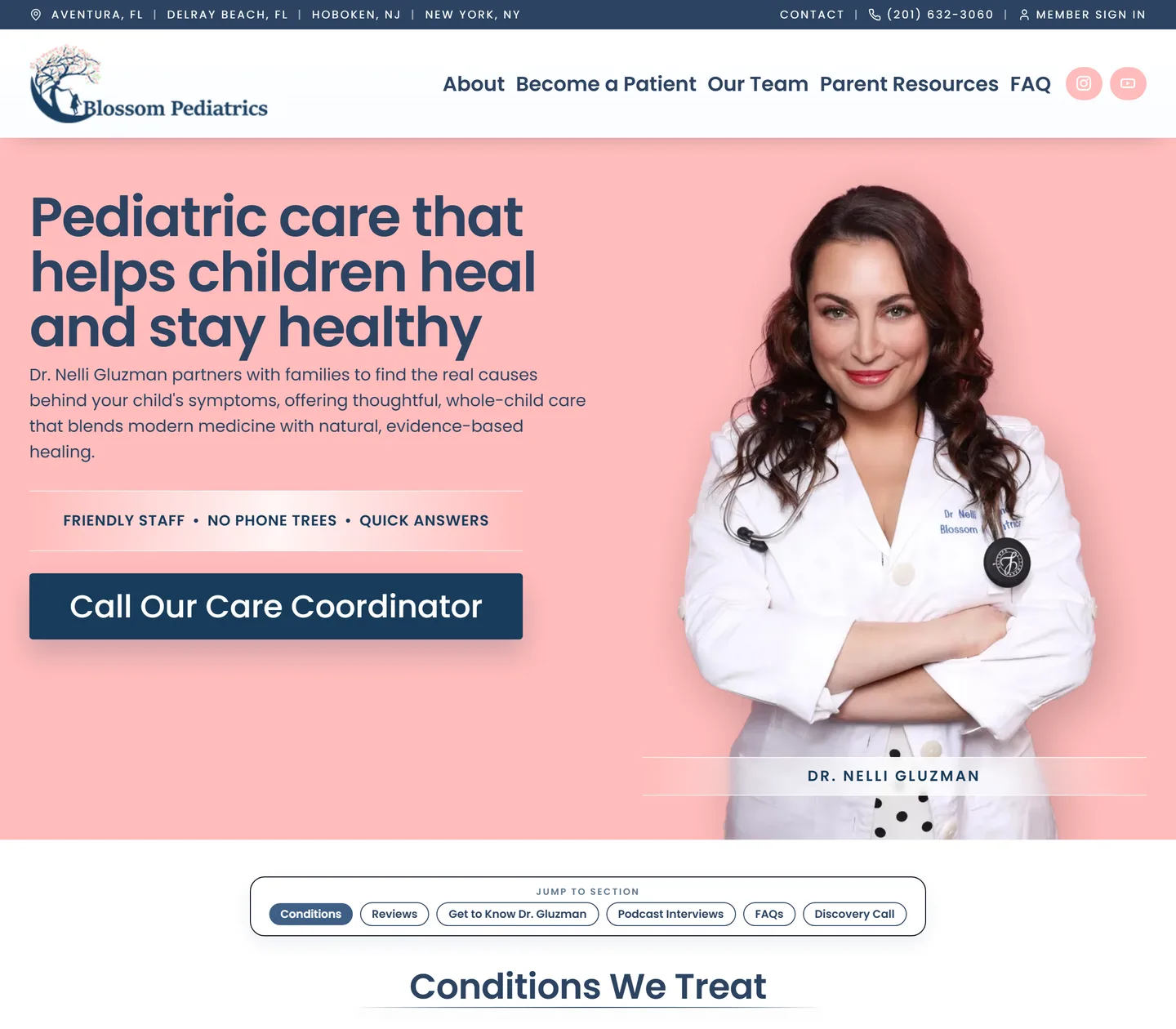
Blossom Pediatrics
Migrated off WordPress with its content, URLs, and search footprint carried across cleanly.
Read the case study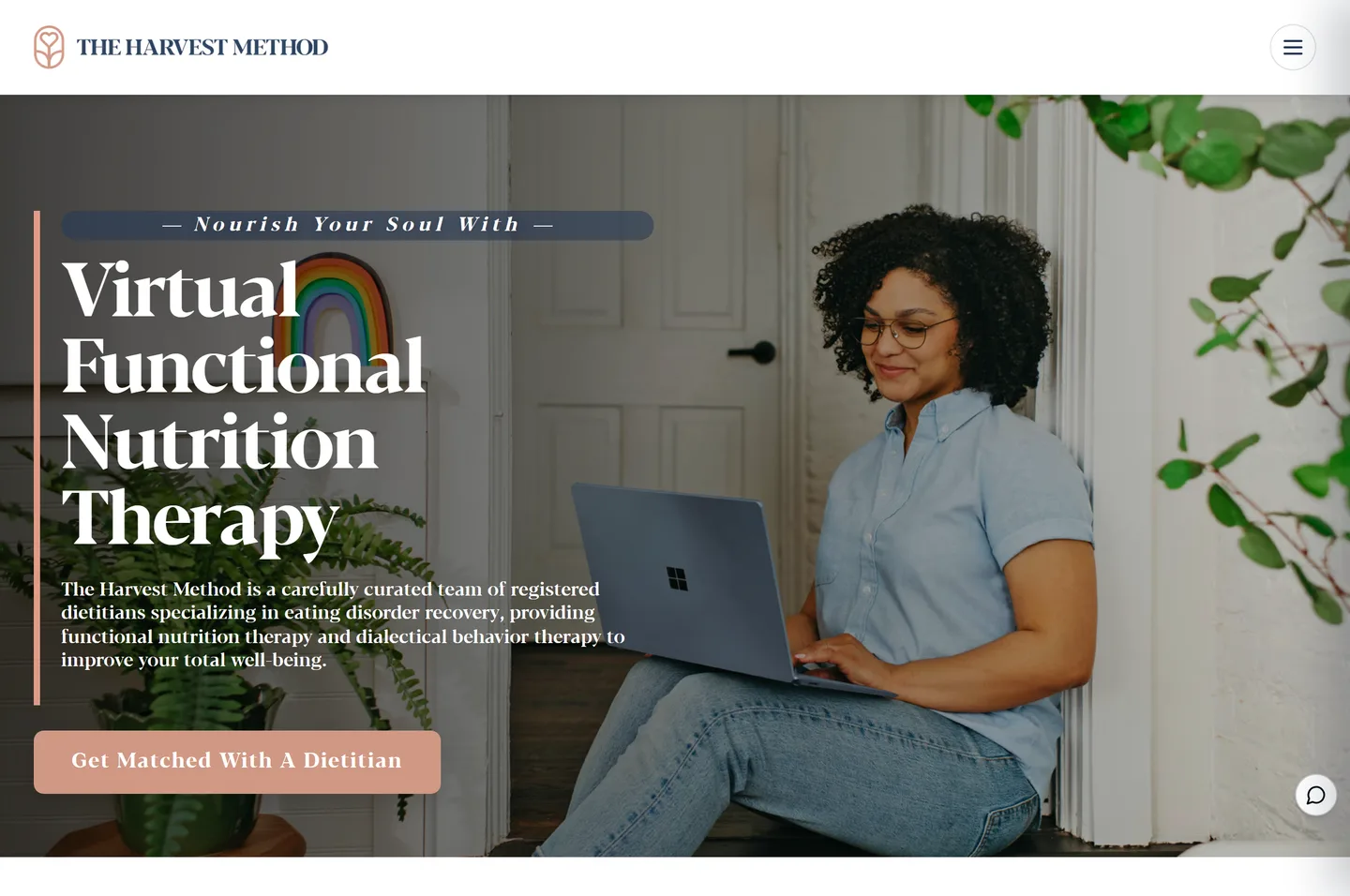
The Harvest Method
Re-platformed from WordPress into a faster Payload system without losing hard-won visibility.
Read the case studyQuestions teams ask
Rankings and migration, answered.
Will my rankings drop at all when I migrate?
You may see a brief, minor wobble in the first week as Google re-crawls the new structure. Done properly, with full 301 redirects and preserved metadata, positions recover within a few weeks, and faster pages often push them higher than before.
How long until rankings fully recover?
For a clean migration, most pages stabilize within two to four weeks of launch. We monitor Search Console through that window and fix any redirect or indexing gaps before they cost you traffic.
Do I really need to keep all my old URLs?
You don't have to keep the exact URLs, but every old URL that has traffic or backlinks needs a 301 redirect to a relevant new page. That's how the value those pages earned transfers to the new site instead of evaporating.
What happens to my backlinks?
Backlinks keep their value as long as the URLs they point to redirect properly. A 301 passes that authority through to the new page, so the links other sites built to you keep working for you.
Worried about your rankings?
Send us your site and we'll tell you what's at stake.
We'll review your current WordPress URLs and search footprint, and map a migration that protects what you've earned.
New here? Start with Part 1: WordPress to Payload. Next up: putting your site on autopilot.